|
Deleting model objects |
Scroll |
Any objects (forming elements, sketch, auxiliary axis or face, model component, mating, etc.) can be deleted from the model. To do this, specify them in the Design tree and press the <Delete> key or call the Delete command from the Edit menu or the context menu.
|
If the Delete command is unavailable, then such objects cannot be deleted. E.g. you can’t delete objects included into a macro-element that was generated by the library automatically. |

To delete model objects located under the Indicator of build completion, you use the Delete objects under the pointer command which is invoked from the context menu of any of these objects. One call of the command deletes all objects under the Indicator.
After invoking any of the deleting commands, the warning dialog will appear on the screen. The dialog will contain the following hierarchical list:
•first level – icon of the model or execution containing the components to be deleted;
•second level – objects to be deleted;
•third level and further levels – model objects linked to the deleted objects (linked with the objects to be deleted are also mated to as related objects); mated objects will be deleted together with their source objects.
You can either cancel or confirm the deletion.
|
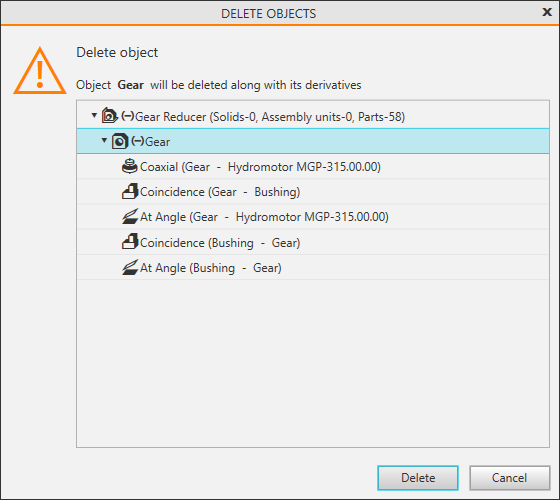
Objects deletion dialog
