|
Fixed side |
Scroll |
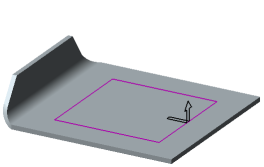
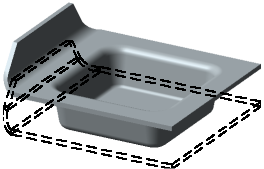
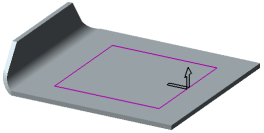
Fixed side is a portion of the base face the position of which will not change when you build a die form. The fixed portion of the face can be located inside or outside the die form profile. In the graphics area, a phantom arrow showing the construction direction starts in this portion of the face.
To set a fixed side, click the respective button in the Fixed Face group:
 Outward,
 Inside.
When changing the fixed side, the position of the phantom area will change.
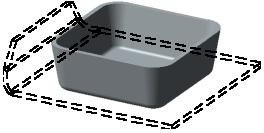
The Table below shows dependence of the result of building a die form on the selection of the fixed side. In the figures, the original state of the part is shown by a dashed line.
Fixed side of the open pressing
Fixed face |
Original part |
Result of die form construction |
|
|
Outward |
|
|
|
Inward |
|
|
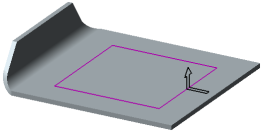
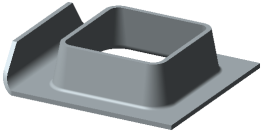
Fixed side of the dimple
Fixed side |
Original part |
Result of die form construction |
|
|
Outward |
|
|
|
Inward |
|
|