|
Hole selection dialog |
Scroll |
Allows you to select the shape of the hole from the library of holes.

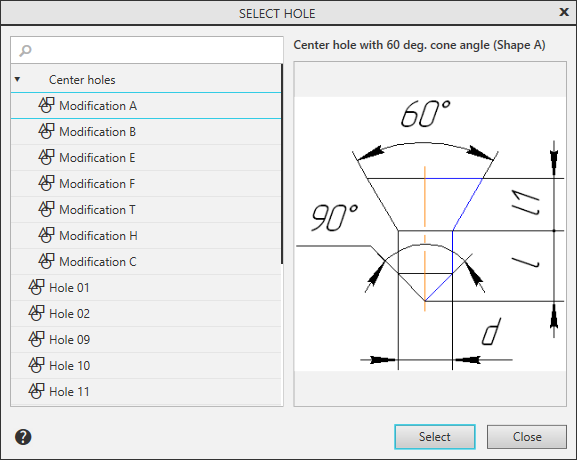
In the left part of the dialog under the search field is a list of library holes. A sketch of the hole profile and dimensions controlling the profile parameters are displayed on the right.
1.Select the desired line in the hole list or enter its name in the search field.
2.Press the Select button.
The parameters of the selected hole are displayed in the table on the Parameter Toolbar.
To exit the dialog without changing the shape of the hole, click Close.
