|
Overview |
Scroll |
You can create a surface in the model that represents a smooth transition between two unconnected surfaces. Faces or sets of faces of solids/surfaces can be specified as surfaces. The surfaces do not necessarily have to have common edges or intersect. A transition surface (rounding surface) is created by moving a flat section along the specified direction and touching the indicated surfaces. At the same time, the ends of the section curve, lying on the original surfaces, form the boundaries of the fillet surface. The shape and position of the side edges are established.
The section of the rounding surface can have the form of a circular/elliptical arc, a conical curve, or a spline — depending on the conditions of mating with the specified surfaces.
|
|
|
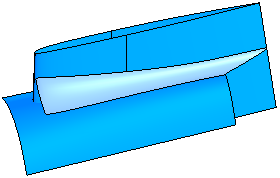
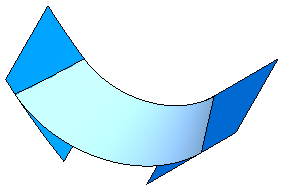
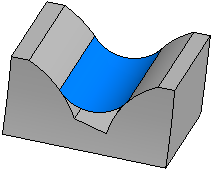
Rounding surface (mating conditions specified)
Sometimes it is required to build a rounding surface without sag and tangency (type 'chamfer'). The mating conditions are not specified in this case and the rounding surface is actually built as ruled surface by two curves.
|
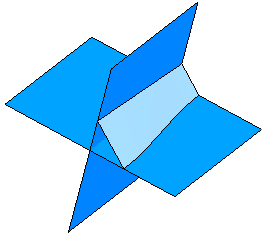
Rounding surface (mating conditions are not specified)
See Also
