|
Layout Display |
Scroll |
Immediately after creation, a text document is displayed without layout: in the graphic area, you see a white field with a dotted rectangular marquee — the border of the text input area.
To enable display of the marquee and title block of each sheet (that is, to display the document as it will be printed on paper), enable the display of layout. To do this, use the Display layout symbols command .
.

|
|
a) |
b) |
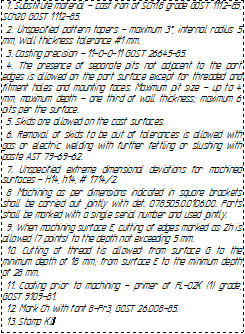
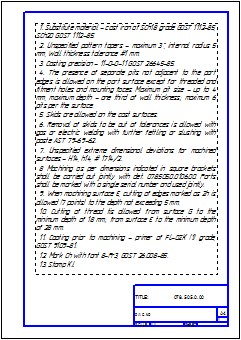
Display of the same document page
a) without layout, b) with layout
Document text can be entered with any display option enabled: with or without layout.
