|
Model section |
Scroll |
In the course of modeling, it may be difficult to visually assess the correctness of the relative position of parts and nodes of the assembly model, structural elements of a part, thickness of its walls, etc. For visual inspection in such cases, the model section mode is used.
When this mode is enabled, the model is displayed cut with a plane or several planes. The position of the cutting plane(s) is configured when creating a section of the model.
Several different sections can be created in a model. One of them is the current section.
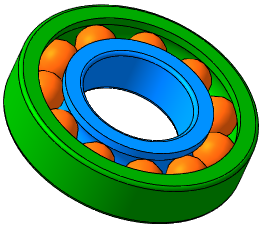
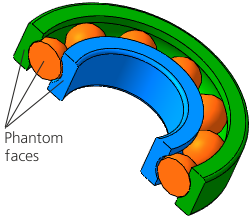
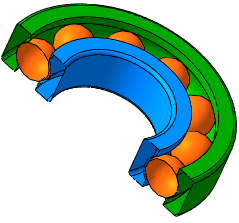
Model section mode
a) model with section mode disabled;
b) model in section mode with the display of phantom faces;
c) model in section mode with no phantom faces displayed;
