|
Changing icon and caption positions on extension line |
Scroll |
You can change the position of the icon and caption on the leader line only after creating the designation.
In order to move the icon or caption along the leader branch, do the following:
1.Select the designation by a mouse click. The system will switch to the mode of editing specific points.
2.Hove the mouse pointer over the defining point of the icon or caption on the extension line. When the pointer takes the form of a four-sided arrow  , click the left mouse button or press the , key — the point will be selected.
3.Move the icon or caption along the leader branch to the required position. Now release the mouse button or press the <Enter> key.
|
|
a) |
b) |
|
|
c) |
d) |
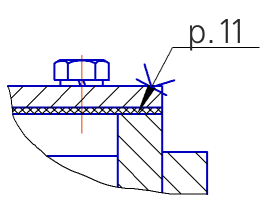
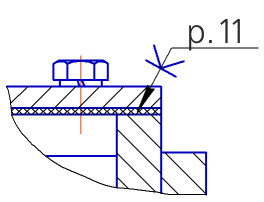
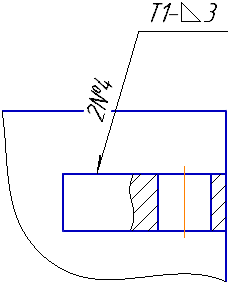
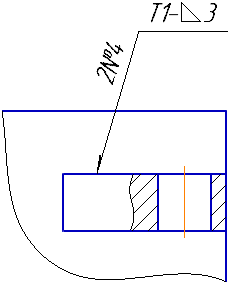
Changing icon and caption positions on designation extension line:
a), c) default positions of an icon and a caption; b), d) positions after moving.
