|
Detailing Display |
Scroll |
Immediately after creation, a text document is displayed without detailing: in the graphic area, you see a white field with a dotted rectangular marquee — the border of the text input area.
To enable display of the marquee and title block of each sheet (that is, to display the document as it will be printed on paper), enable the display of detailing. To do this, use the Display detailing symbols command .
.

|
|
a) |
b) |
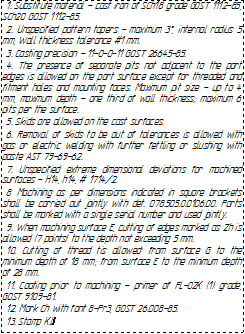
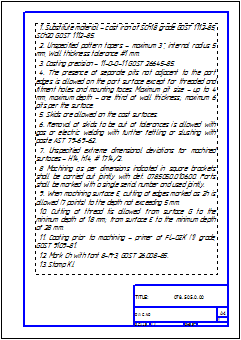
Display of the same document page
a) without detailing, b) with detailing
Document text can be entered with any display option enabled: with or without detailing.
