|
Layer filter dialog |
Scroll |
This dialog allows to set criteria for filtering layers in a graphic document or a model.


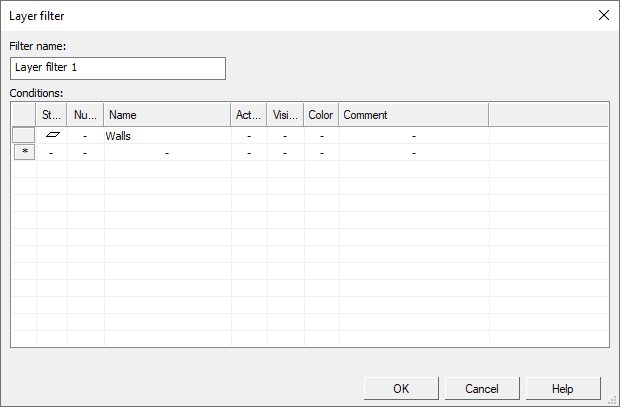
The dialog controls are shown in the table.
Description of Controls
Name |
Description |
|
Filter name |
The field allows you to specify the name of the filter. By default, the created filter is assigned a name consisting of the word "Filter", to which a sequence number is added. |
|
Conditions |
The table allows you to compose a set of filter conditions. |
|
View |
The table is present in the dialog when working with filters in a model. The table contains a list of layers whose properties satisfy the filtering conditions. While no conditions have been formed, all layers of the parent filter object are displayed in the list. The list changes dynamically with changing filtering conditions. |
To finish creating/editing the filter, click the OK button. To close the dialog and discard the changes made, press the Cancelbutton.
