|
Design type |
Scroll |
A rotation element is formed by rotating a section around an axis. Depending on the shape of the section and its position relative to the axis, the element can be constructed as either a toroid or a spheroid.
Toroid construction is available for section objects regardless of type and shape. If spheroid construction is also available for objects, you can select between construction types. Then in the Main section of the Parameters panel there is a group of buttons Design type.
Both spheroid and toroid building is available for open section objects, which are sketches or contours drawn along the lines of a plane object, provided that the rotation axis lies in the section plane. If the section contains only such objects, then after specifying the section objects and selecting the axis, a group of buttons for selecting the type of building appears. To select the required type, click the corresponding button.
 Spheroid
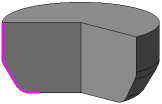
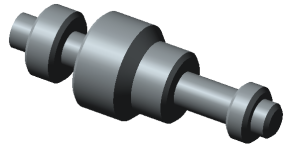
When constructing a spheroid, the end points of the section are projected onto the rotation axis. The element is constructed taking into account the segments connecting the points with their projections. The result is an element that can be solid or thin-walled. More about solid and thin-walled elements...
|
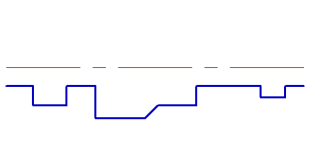
To obtain a predictable result, the lines in the section should be arranged so that there are no self-intersections of the section contour when projecting the endpoints onto the axis of rotation. |

|

 Toroid
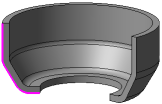
When constructing a toroid, only the section itself is rotated. A layer of material is added to the resulting surface. The result is a thin-walled element. Building a solid element is not available.
|
|
If the set of section objects includes objects for which it is impossible to construct a spheroid, there is no group for selecting the construction type. |
