|
Date entry dialog |
Scroll |
Allows you to quickly enter the desired date in the cell of the title block (stamp) document.

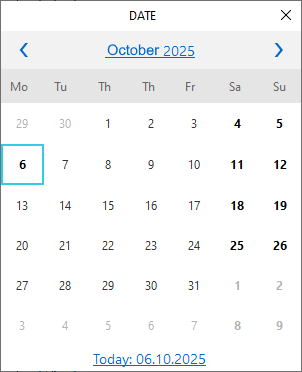
By default, its current date is active. To select it, click the Today link at the bottom of the dialog.
You can select a different date using the lists of years, months, and dates. The lists open sequentially: dates are displayed first, then months, then years. To open them, click the corresponding links at the top of the dialog.
After pressing the <Enter> key or double-clicking the mouse, the specified date will be automatically placed in the corresponding column of the stamp, and the dialog will close.
