|
Use Variable and Delete Variable dialogs |
Scroll |
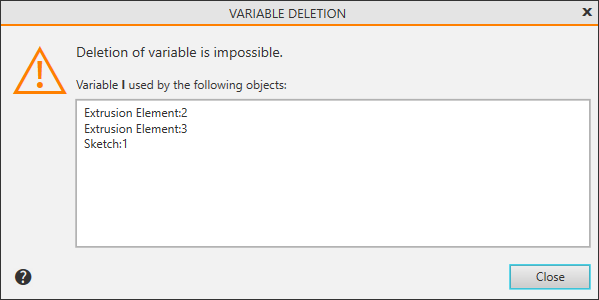
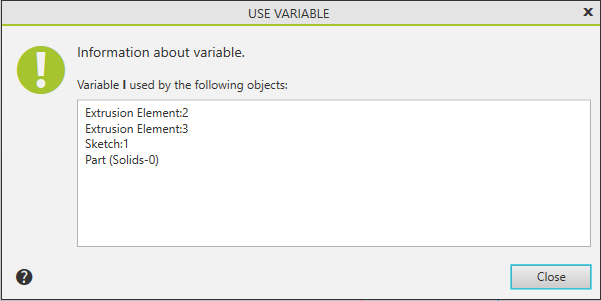
In dialog Use variable and Delete variable dialogs display a list of objects in the current document that use the variable selected for viewing or deleting.
•The dialog Use variable appears on screen after calling the command Use variable  of context menu of variable string or after by clicking the button of the same name in the Variables panel header.

•The dialog Delete variable appears on the screen when you try to delete a variable that is included in expressions for calculating other variables. More about variables deletion...