|
Dialog box for entering an attribute type access password |
Scroll |
A dialog box appears on the screen when you try to open an attribute type (attribute) protected by an access password for editing.

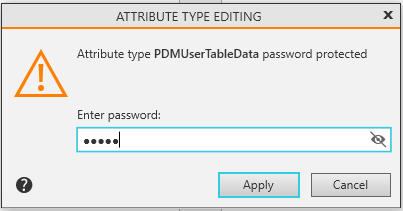
If a password is set, you will be prompted for it whenever you attempt to modify the structure of this type, and editing will only be allowed if the password is entered correctly.
Enter the password for accessing the structure of the attribute type (attribute).
After entering your password, click the Apply button. To exit the dialog without entering a password, click the Cancel button.
