|
Dialog box for setting a property range in column |
Scroll |
Allows you to set or edit the range of valid values for input in a table attribute column.
A dialog box appears on the screen after you click a cell in the Value Range column of the table type attribute description dialog box.

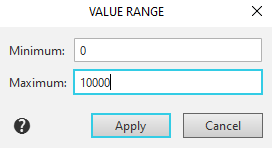
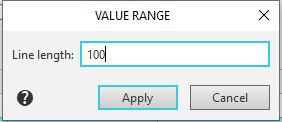
The input fields in the dialog box can vary. This depends on the data type. For example, for an integer type, you specify the minimum and maximum values, and for a text string, you specify its allowed length.
After entering the desired restrictions for the data in the column, click the Apply button. To exit the dialog box without changing the range of values, click the Cancel button.
