|
Displaying items that contain code and name of the document |
Scroll |
The display of the product name in the text part of the BOM item containing the code and name of the document can be automatically disabled.
It will be disabled if the product designation and product name in the BOM item and in the title block of the BOM are the same. The full text in the Name cell of the BOM item is visible only in the editing mode of the text part of this item.

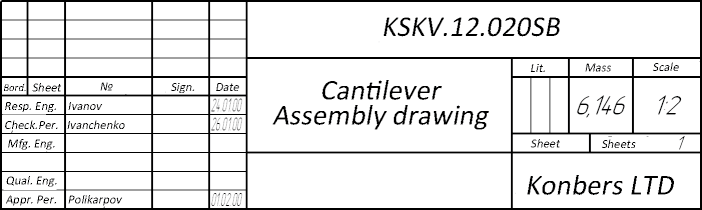
Let’s look at the procedure to disable the display of the product name on the example of an item from the Documentation section. Suppose this item corresponds to an assembly drawing of the product. It is advisable to attach the assembly drawing to it and retrieve data from its title block (see figure).
|
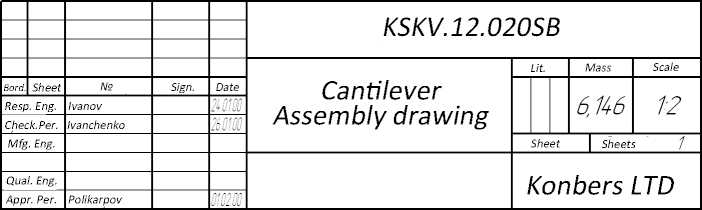
The title block of the assembly drawing attached to the BOM item
In the Designation and Name cells of the BOM item, the strings “KSKV.12.020SB” and “Bracket Assembly Drawing” will be transferred respectively (see figure a).
Let’s assume that the Designation and Name fields of the BOM title block contain the lines "KCKB.12.020" and "Bracket" accordingly.
In this case, the contents of the Name cell of this BOM item depends on the operation mode. The product name — «Bracket» — is displayed only in the editing mode of this object (see figure a). After you exit this mode, in case if Display of detailing, the display of the item's name is disabled and only the document name remains in the Name cell (see figure b).
|
a) Detailing display disabled |
|
b) Detailing display enabled |


Let the column Designation of the main title in the BOM contain the string “KSKV.12.021” (see Figure a). In this case, in the Name cell of this BOM item, the full name of the document is displayed in any mode (see Figure b).
|
a) BOM title block |
|
b) BOM item; detailing display enabled |