|
Model Display Types |
Scroll |
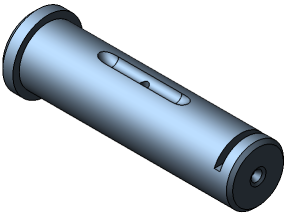
When working in KOMPAS-3D, several types of model views are available. To set up the desired display type, select its name in the View — Model Display menu. Besides, the model display type can be set using buttons and menu in the Quick Access Bar.
Note that whichever display type is selected, it will not affect the model properties. For example, when you select a wireframe display, the model remains solid (does not turn into a set of "wire" edges), but its surface and material are not displayed on the screen.
For more details on types of model display, see the Table.
Type |
Description |
How it looks |
|
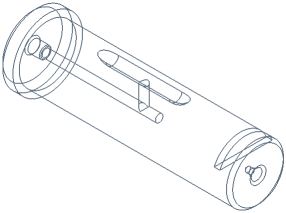
Wireframe |
Aggregate of all edges and outlines of the model. Wireframe lines are black. |
|
|
|
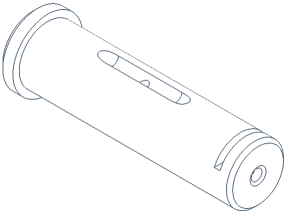
Hidden Lines Removed |
Aggregate of visible edges, visible parts of edges and visible parts of outlines of the model. |
|
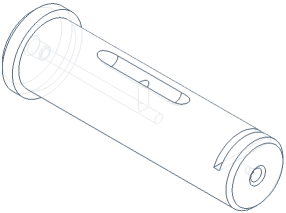
Hidden Lines in Gray |
Hidden edges, hidden parts of edges, hidden parts of outlines are displayed in color other than the color of visible lines (in lighter color). |
|
|
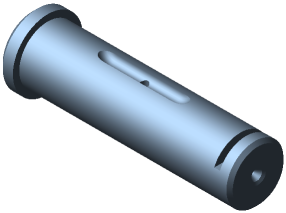
Shaded Display |
The surface of the model is displayed. Optical properties of its surface (color, shininess, diffusion, etc.) are taken into account. |
|
|
Shaded wireframe image |
Combination of shaded display and display with hidden lines removed. |
|