|
Property Editor |
Scroll |
The Property Editor allows you to:
•view and edit properties of objects in the current document;
•create and add new properties;
•save property values to a separate file or print them out.
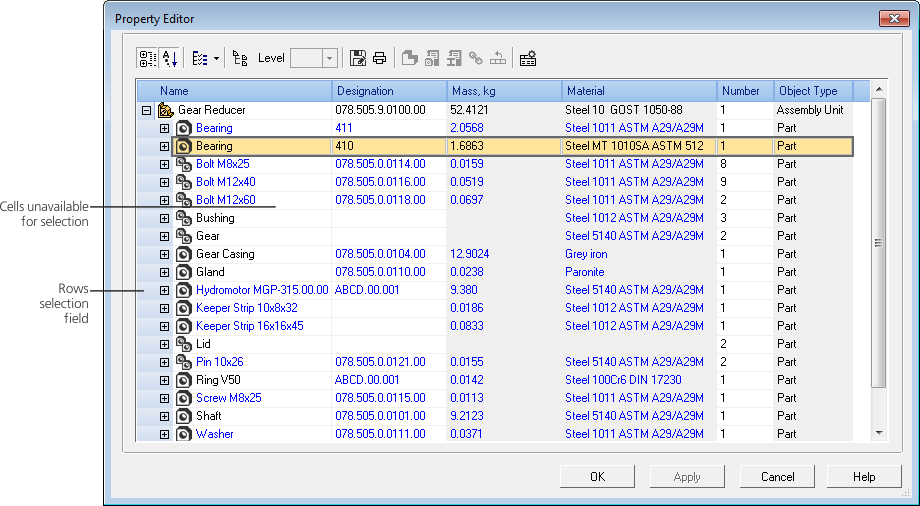
The dialog Property Editor appears on the screen after calling the Property Editor  command.

In the dialog box, objects and their properties are displayed as a table. Controls of the dialog box allow you to manage properties display in the Editor and to perform various actions with them.
Changes of properties are transferred to the current document objects.
|