|
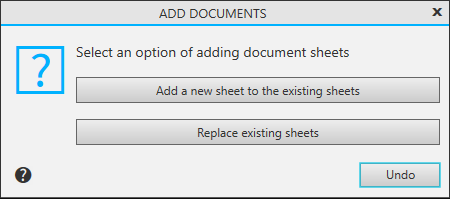
Add Document Sheets dialog |
Scroll |
The dialog allows you to select the option of loading sheets of documents in the preview.
Appears on the screen after calling the File — Add documents...  and File — Load Print Job...
  command in preview mode.

Description of Controls
Name |
Description |
|
Add a new list to existing lists |
Press this button to add new sheets to the currently opened sheets in the preview window. In this case, the sheets of the loaded documents will be placed after the sheets of documents opened for viewing. If this option is selected, when loading a print job, the printout feature of the output device pages stored in the job, set using the Mode for selecting pages for printing command, is ignored. |
|
Replace existing sheets |
Press this button to replace the sheets of documents opened for viewing with the sheets of loaded documents. |
|
Cancel |
Press this button to stop downloading sheets of documents. |
