|
Message about the presence of external model references in the object |
Scroll |
This message appears when you try to edit an element that refers to objects that are in another file and are not available at the moment.

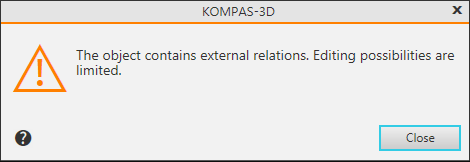
External links may have a model that is included in another (main) model as a component. These relationships are formed if the objects of this model are used when editing a component in the context of the main model, for example:
Example 1. When constructing a part "in place" (in the context of the main model), an element extruded to the face of a neighboring part was attached to it; as a result, the extrusion element references an object from the main model file. Further, when editing a part on a separate tab (outside the context of the main model) the face to which the glued element is pressed is inaccessible (because it is in another file). Therefore, if you need to change the depth of extrusion, you can specify only the face of the part available on the active tab. ( those. make the external connection internal) or change the way the extrusion depth is determined ( instead of extruding up to the object, select extrude on distance).
Example 2. When editing the part 'in place,' an axis passing through the vertices of other parts was created in it. Later, when editing a part on a separate tab (outside the context of the main model), the vertices through which the axis is drawn are inaccessible (because they are in another file). Therefore, if you want to change the position of the axis, then you can specify only objects available on the active tab as point objects. (those turn external connections into internal).
Example 3. The part was created in the context of the main model by combining other – initial – parts. Later, when editing a part on a separate tab (outside the context of the main model), its original parts are not available (since they are in another file). Therefore, when editing a part on a separate tab, you can only delete the element obtained by the "Join Components" operation. Changing the shape of this element is possible only when editing in the context of the main model.
