|
Setting print filters |
Scroll |
If you need to print a document but exclude some detailings or graphic object from printing, you can do it using the print filters.
To set up print filters in the preview mode, use the Print Filters  .
.

After you run this command, the filter setup dialog will appear on the screen (see the figure). For description of controls in this dialog box, see Section Print Filter Settings dialog box.
|
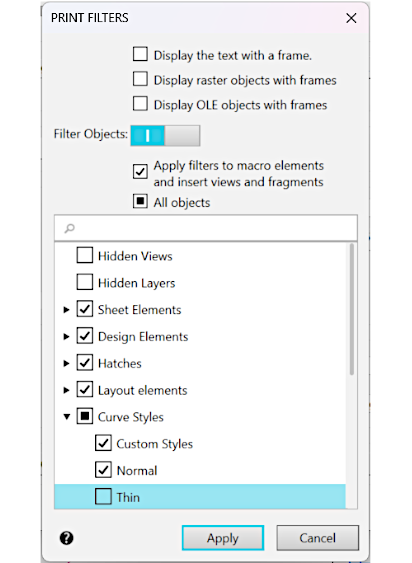
Print Filter Settings dialog box
|
If you set any print filters in the preview mode, these filters will only be preserved until the end of the current session of the preview mode. |

