|
Working with BOMs V24 |
Scroll |
1.Implemented automatic creation and placement in the Documents objects, corresponding to documents that are associated with the document connected to BOM. This speeds up filling out the Documents section of the BOM. For example, as a result of connecting an assembly to BOM that has assembly and dimension drawings associated with it, the BOM will also create a Documents section that includes the assembly and drawings with overall dimension, in addition to the sections displaying the content of that assembly.
2.It is now possible to automatically move text in a cell from row to row. Autotransfer can be enabled/disabled for any column when customizing BOM style or when editing the BOM, while editing the BOM it is also available to also enable/disable autotransfer in an arbitrarily selected cell.
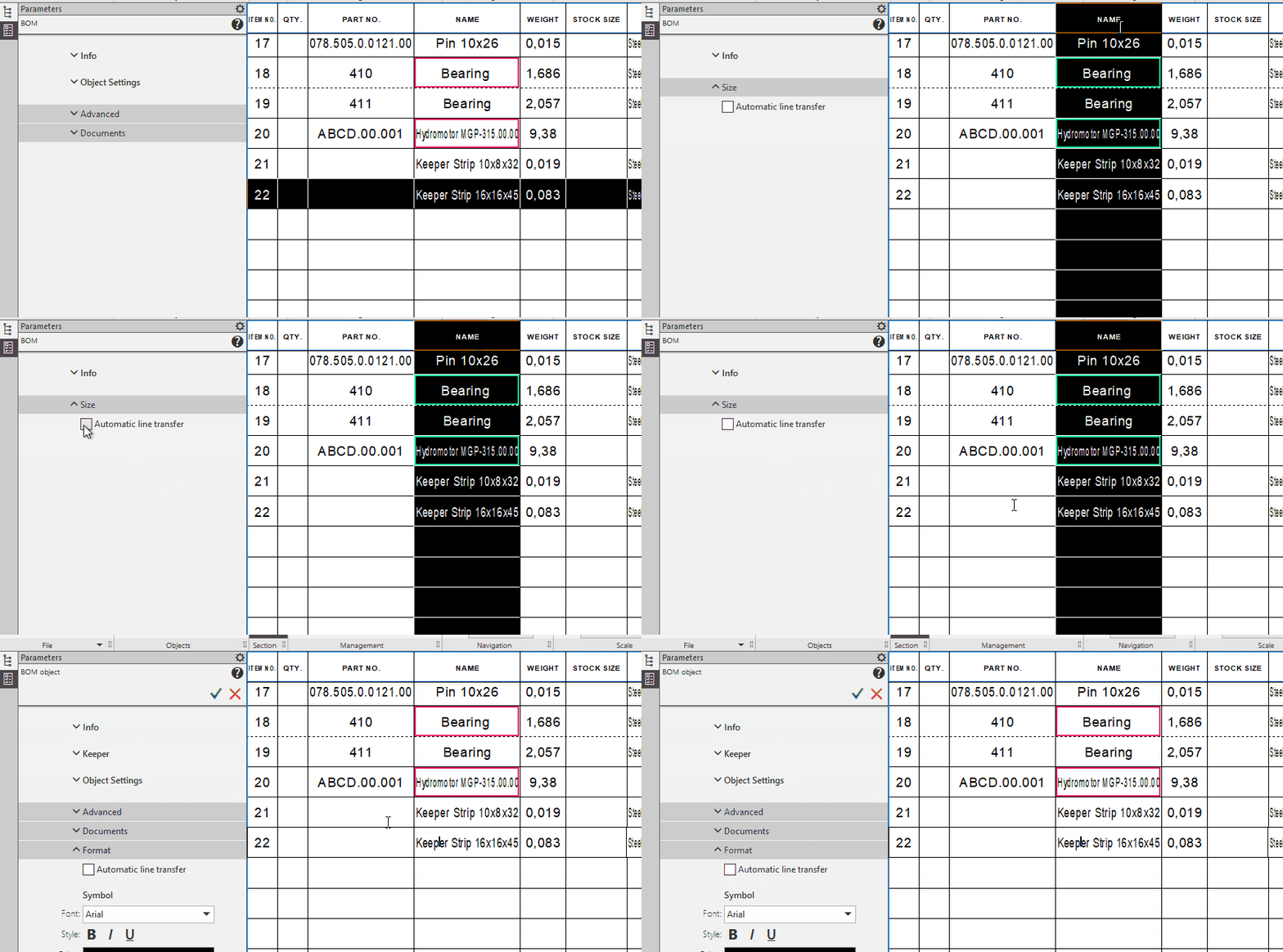
3.It is now possible to select BOM column by clicking on the heading of this column. For a highlighted column, it is available to view the name that is given to it in the style, as well as enable or disable row auto-transfer.
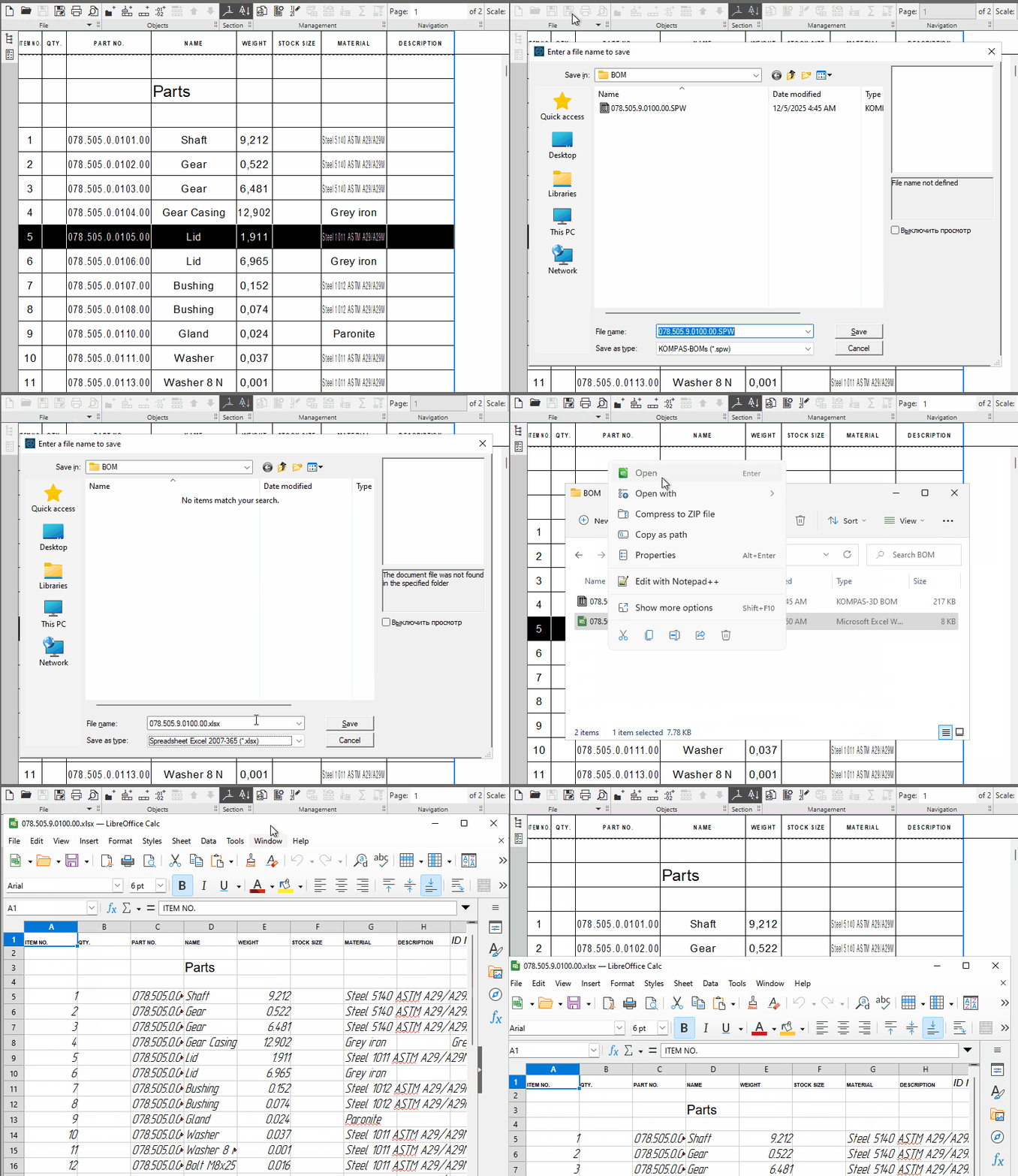
4.Added the ability to save BOMs in Excel 2007-365(*.xlsx) and Calc(*.ods) formats. Saving to the xlsx format does not require (and when saving to the xls -stopped requiring) the presence of an installed Microsoft Excel program on the workplace.
5.It is now possible to manually edit headers for additional and nested section blocks. The specified text is substituted in the header in place of a construct of the form #XXX# entered when setting the BOM style. Previously, there was only one way to edit the title -connecting a document which designation replaced the specified building..
6.Styles of simple and group BOMs are brought in accordance with GOST R 2.106-2019:
•added section Software products and databases;
•in the styles of group BOMs, in the section Kits, blocks of nested sections have been added;
•a block of nested sections Packaging has been added to the Kits section;
•the content of the block of nested sections Tool and accessories kit has been changed: now it contains only the sections Tool, Accessories, Devices, Materials.
7.The command Edit BOM object in the context menu of the specified graphic object included in several BOM objects now has a submenu for selecting the required BOM object (previously the command called a dialog with a list of objects).
8.The command Sum of values in columns... has been renamed to Sum values... The result of its work is displayed in informational window (previously - in the dialog box).
9.The possibility of creating an external BOM object in documents has been eliminated.
