|
Auto Centerline |
Scroll |
KOMPAS-3D allows you to build a centerline with the position and dimensions set by the user or determined by the system automatically relative to the existing objects in the document. You can use points, segments, axisymmetric objects, concentric arcs and circles as objects.
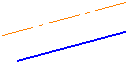
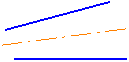
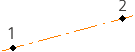
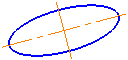
The centerline based on indicated objects is built using the Auto Centerline command. After running the command, select a method and indicate objects for creating a centerline. Depending on the selected method and the indicated objects, centerlines of the following types can be created.

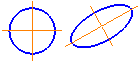
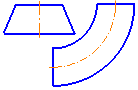
Editing the centerlines and center marks obtained using the Auto Centerline command is no different from working with similar objects created using the Centerline by Two Points, Arc Centerline and Center Mark.
See Also
